
Smart Solutions Framework · SSF
WordPress plugins for everyday website work.
Organise media, connect email, prepare backups and make customer enquiries easier. Explore practical tools with clear features, useful guides and Free or Pro options on each product page.

Version 1.0.1 · Free download available
SSF PDF Catalog Generator – AI Translation & Datasheets
Turn product pictures and verified details into branded WordPress PDFs. Pro adds combined catalogs, buyer packs and reviewed Google or AI translations. Agency adds client profiles.
Free US$0 · Pro US$49 / year / 1 site
Agency US$149 / year / 10 sites
One year of updates/support, manual renewal. Provider fees separate. Paid checkout coming soon.
Version 1.0.1 · Free download available
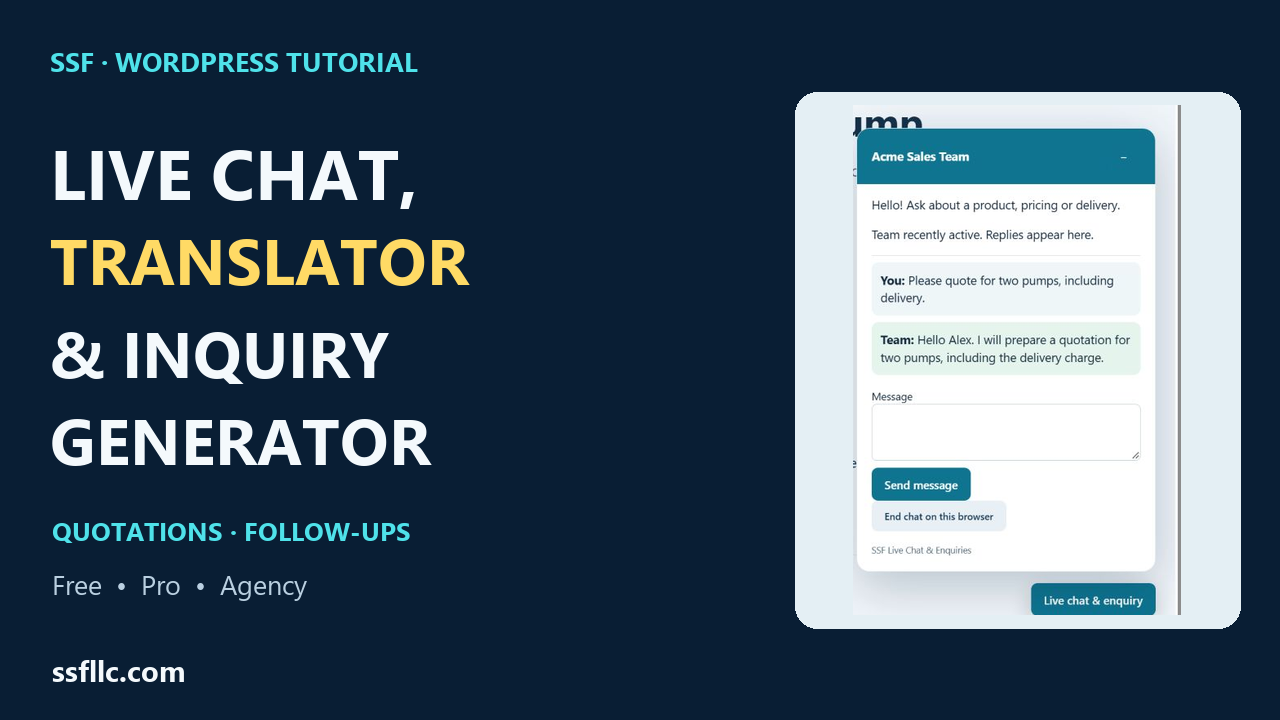
SSF Live Chat, Translator & Inquiry Generator
Connect website chat and product enquiries with reviewed quotations and assigned follow-ups. Pro adds optional Google Cloud Translation; Agency adds reusable client profiles.
Free US$0 · Pro US$79 / year / 1 site
Agency US$249 / year / 10 sites
Suggested launch prices. One year of updates/support, manual renewal. Provider fees separate. Paid checkout coming soon.

Version 1.0 · Free download available
SSF Speed Cache
Cache eligible public pages and inspect the results. Pro adds selected-page optimization, image copies and browser measurements. Agency adds reusable configurations and client reports.
Free US$0 · Pro US$39 / 1 site
Agency US$149 / 10 sites
Paid plans include one year of updates/support, with manual renewal. Paid checkout coming soon.

Version 1.1 · Free download available
SSF SEO Toolkit 1.1
Free now includes bulk metadata review, basic migration, local redirects and audits. Pro adds extended migration, schema templates, scheduled audits and image workflows. Agency adds your connected Google and Bing reports.
Free US$0 · Pro US$49 / 1 site
Agency US$149 / 10 sites
Paid plans include one year of updates/support, with no automatic renewal. Paid checkout coming soon.
Find the right tool
Less scattered work.
More useful workflows.
Start with the task you need to handle. Each product page explains its features, installation steps and the differences between available editions.
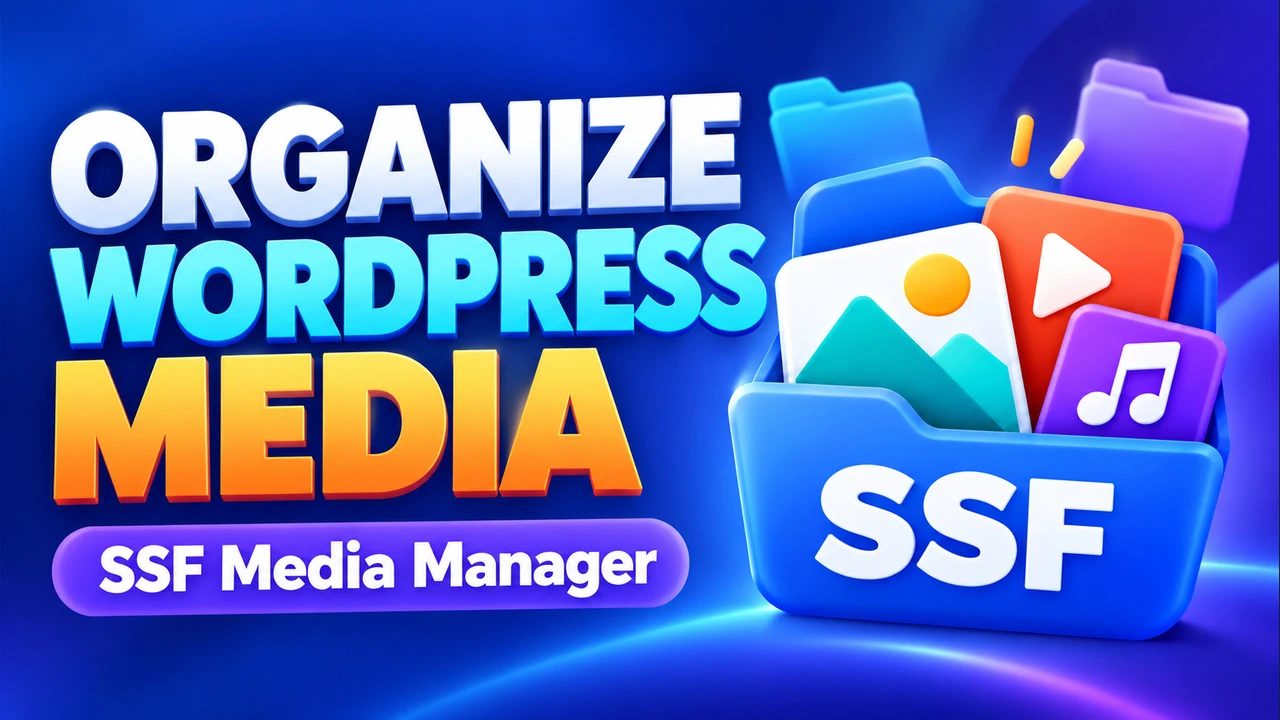
SSF Media Manager
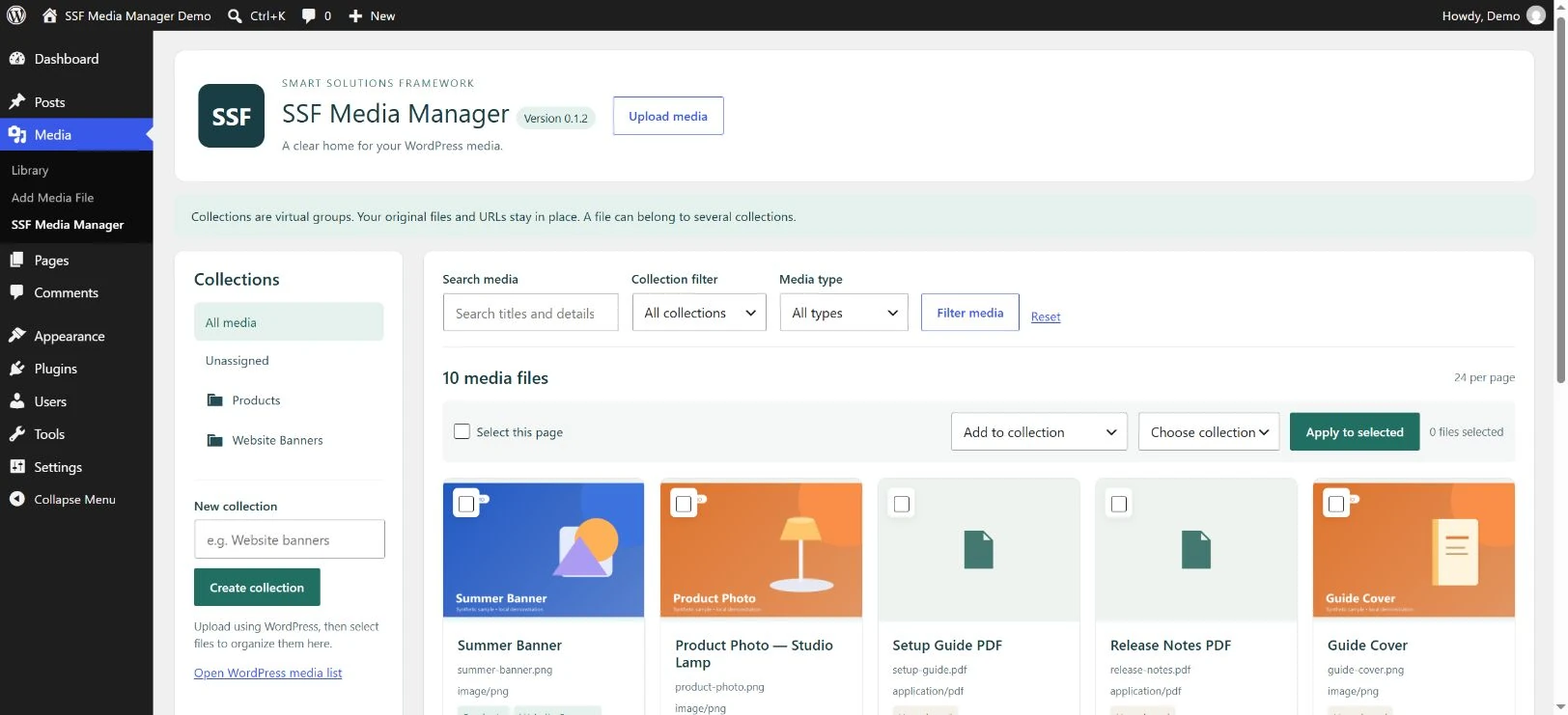
Create virtual collections, find attachments with search and filters, and edit media details. Organising collections keeps existing files and URLs in place.
Explore SSF Media Manager →
SSF SMTP Mailer
Connect WordPress to your authorised SMTP provider, set sender details and run a deliberate test email. A separate provider is required; acceptance is not a guarantee of inbox delivery.
Explore SSF SMTP Mailer →
SSF Backup & Migrate
Create a supported WordPress backup, inspect archive contents and review restore or migration steps. Check each edition’s scope before making changes to a live website.
Explore SSF Backup & Migrate →
SSF Chat Connect
Add a WhatsApp click to chat button with a prepared message. Visitors can review and edit the message before choosing to send it in WhatsApp.
Explore SSF Chat Connect →More from SSF
Tools for the details that matter.
Explore the wider collection for content reviews, image optimisation, customer follow-up, support and site care. Check each product page for current Free downloads and Pro availability.

SSF Login Guard
Temporary login limits, optional authenticator security and practical account recovery. Free core tools with separate Pro staff policies and reports.
Explore features and download Free →
SSF SEO Health & Link Audit
Review saved-content evidence for internal links, images and on-page SEO essentials.
View features and availability →
SSF Media Manager Image Optimizer
Create reviewed local WebP copies and compare measured file sizes while preserving original URLs.
View features and availability →
SSF Chat Connect Follow-up & Quotes
Organise follow-up work and quotation drafts, with manual print and PDF workflows.
View features and availability →
SSF Support Desk
Bring signed-in customer tickets into a private support queue with scoped staff access.
View features and availability →
SSF SiteCare
Review local website configuration reports and keep manual site snapshots for follow-up.
View features and availability →A considered starting point
Choose the workflow.
Review the fit.
Good tools have a clear purpose. Use the product documentation to check that an edition supports the task, website environment and level of control you need.
- Explore the productRead the feature list and watch its walkthrough where available.
- Check the editionReview Free and Pro differences, requirements and current availability.
- Prepare your websiteKeep a backup and test changes on staging before applying them to a live site.
Practical resources
Make the process clearer, too.
Review duplicate media carefully
Build a review process before removing or replacing files in a business media library.
Plan an email migration test
Define the checks needed to assess a business email change.
Turn workflows into acceptance checks
Describe the outcomes a digital workflow should support before deciding it is ready.
About SSF
Practical software.
Clear boundaries.
Smart Solutions Framework (SSF) develops tools to organise information and improve digital workflows. SSF is a software brand operated by Murshid Farm Industries, Pakistan.
SSF is not currently a separately incorporated LLC. Product features, licensing and support terms are described on the relevant product pages.
Learn about Smart Solutions Framework →